
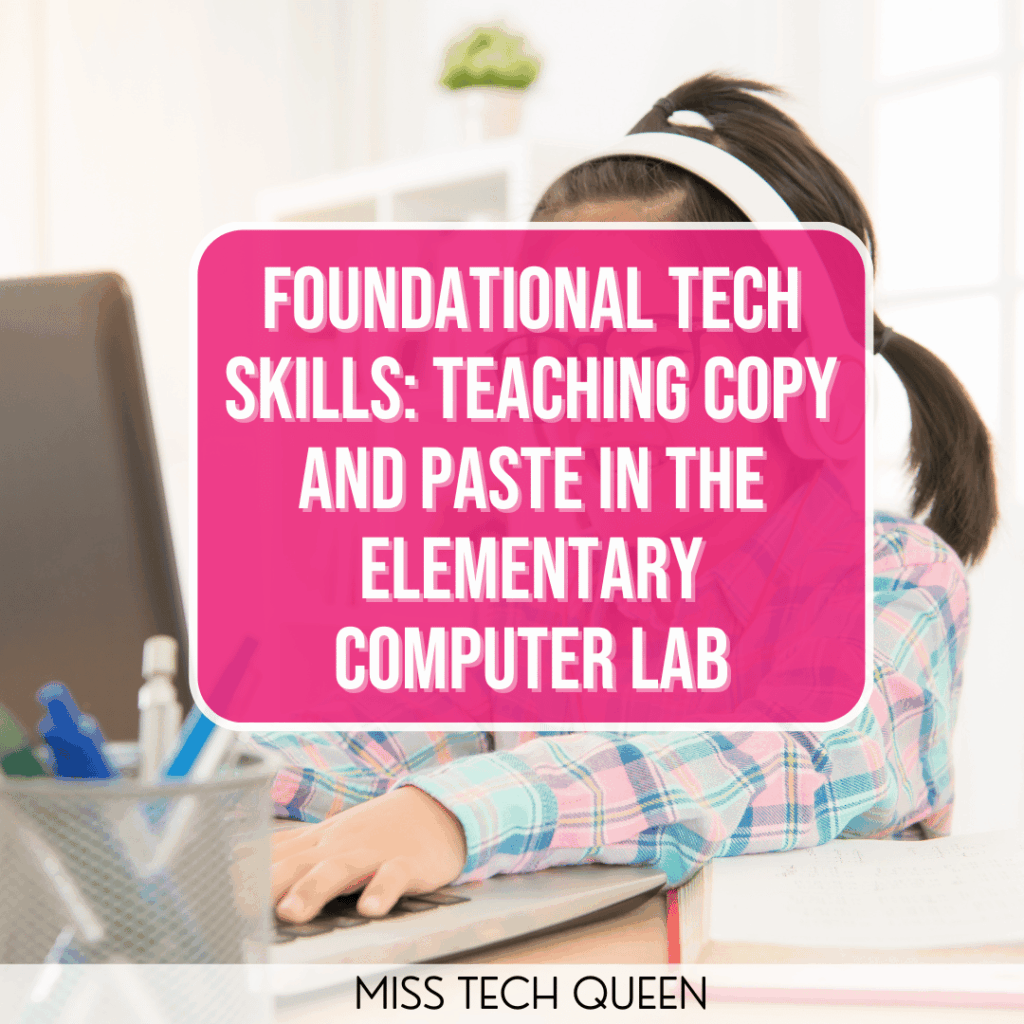
If you’ve ever watched a student try to drag an image instead of copying it, you know just how important teaching copy and paste really is. It’s one of those small, simple actions that can make a big difference in how confidently our students navigate technology. Mastering copy and paste early on gives our kiddos a sense of control over the digital world around them. It helps them move text, manipulate images, and build digital projects independently rather than relying on constant teacher help. In the elementary computer lab, it’s one of the first skills that sets our students up for success across every program they’ll use later, such as Google Docs, Slides, coding platforms, and beyond.
Why Copy and Paste Still Matters in a Touchscreen World

Touchscreens have definitely changed the way our kiddos interact with technology, but they haven’t replaced the need for foundational computer skills. Swiping and tapping are second nature for most of our students. Using a mouse or trackpad requires precision, patience, and fine motor control. Copy and paste introduces our students to a different kind of coordination, including highlighting text, using shortcuts, and sequencing steps in a logical order.
These are skills that don’t just apply to typing documents. They support coding, graphic design, and digital testing, where accuracy is essential. When our students learn to copy and paste effectively, they’re learning how to think critically about how digital tools work together. While touchscreen devices offer convenience, they don’t always build the transferable tech skills that our students need to succeed as they move through school.
Even in classrooms filled with tablets and iPads, teaching copy and paste on traditional computers bridges the gap between everyday use and academic use. It’s about giving our students the confidence to switch between devices smoothly.
Tips for Teaching Copy and Paste

When it comes to introducing copy and paste, clear modeling and repetition go a long way. I like to start with short, focused demonstrations. I walk my students through each step slowly while projecting my screen. While walking them through, I make sure to say the steps out loud, “Highlight, copy, paste,” to help build the habit and reinforce the process through auditory learning. Once they’ve seen it done, I have my students try the same steps on their own, using something simple, such as copying their name from one spot to another.
It’s also helpful to give them real-world reasons to use the skill. Instead of copying random words, let them copy and paste images for a digital poster or move text boxes while designing a presentation. Those small, purposeful tasks keep your students engaged and make the learning stick. Pairing your students together can also work wonders. I recommend mixing tech-confident learners with those still developing their mouse and keyboard control.
Consistency matters, too. I like to integrate copy and paste practice into warm-ups or short transitions between larger projects. It doesn’t take long. Just a few minutes of quick practice can reinforce what they’ve learned and build automaticity over time.
Common Mistakes Students Make When Learning Copy and Paste
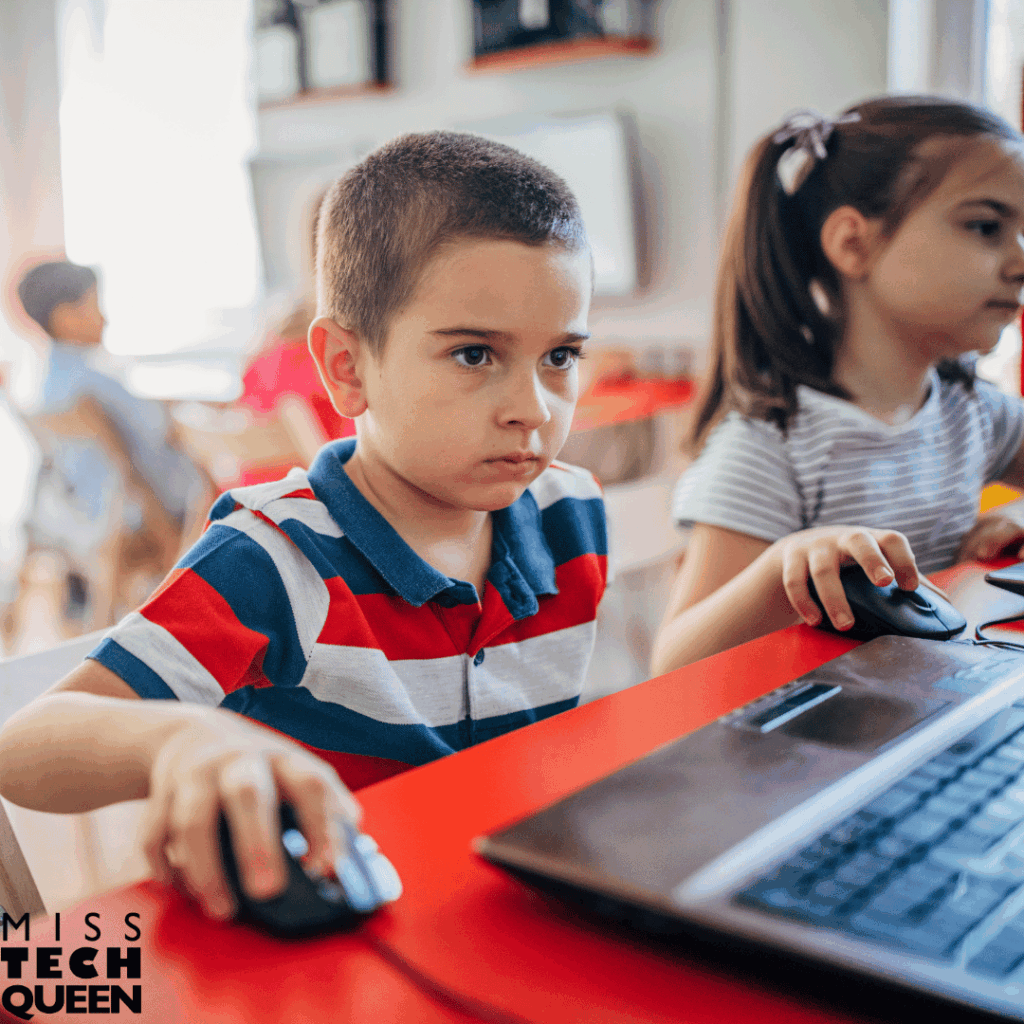
One of the biggest challenges our students face when learning copy and paste is missing a step in the process. Sometimes they forget to highlight everything they want to copy, or they click outside the box before pasting. Other times, they try to drag instead of using the proper commands. These small hiccups are normal and make for great teachable moments.
To help my students through these mistakes, I emphasize breaking the process down into two clear parts: copying and pasting. I often use analogies to make it stick. I’ll compare copying to taking a snapshot and pasting to placing that picture in a scrapbook. This visual helps my students remember that one action doesn’t work without the other.
Another common issue is that our students will repeatedly paste and end up with duplicates everywhere. Instead of getting frustrated, I turn it into a mini-lesson on control and precision. We practice selecting, undoing, and trying again. This reinforces the idea that mistakes are an integral part of learning. Over time, your students gain confidence and become more accurate with every project.
Building Confidence Through Copy and Paste Practice
There’s something magical about watching our students realize they can do it on their own. Copy and paste might seem small, but for many of our kiddos, it’s their first taste of true digital independence. Once they master it, they start exploring more complex features, like resizing images or moving elements in a presentation, without hesitation.
Confidence in technology grows one skill at a time. When our students can perform foundational actions like copy and paste with ease, they’re not afraid to experiment or problem-solve when something doesn’t work. That independence carries over into other areas, too. They’ll start helping each other, explaining shortcuts, and taking pride in their growing tech skills.
As teachers, we know that confidence is key to persistence. When our students feel capable, they’re more likely to take on bigger challenges. Copy and paste may be a small part of the digital world, but it’s a giant leap for a child who’s just learning to navigate it.
Creative Ways to Reinforce Copy and Paste Skills
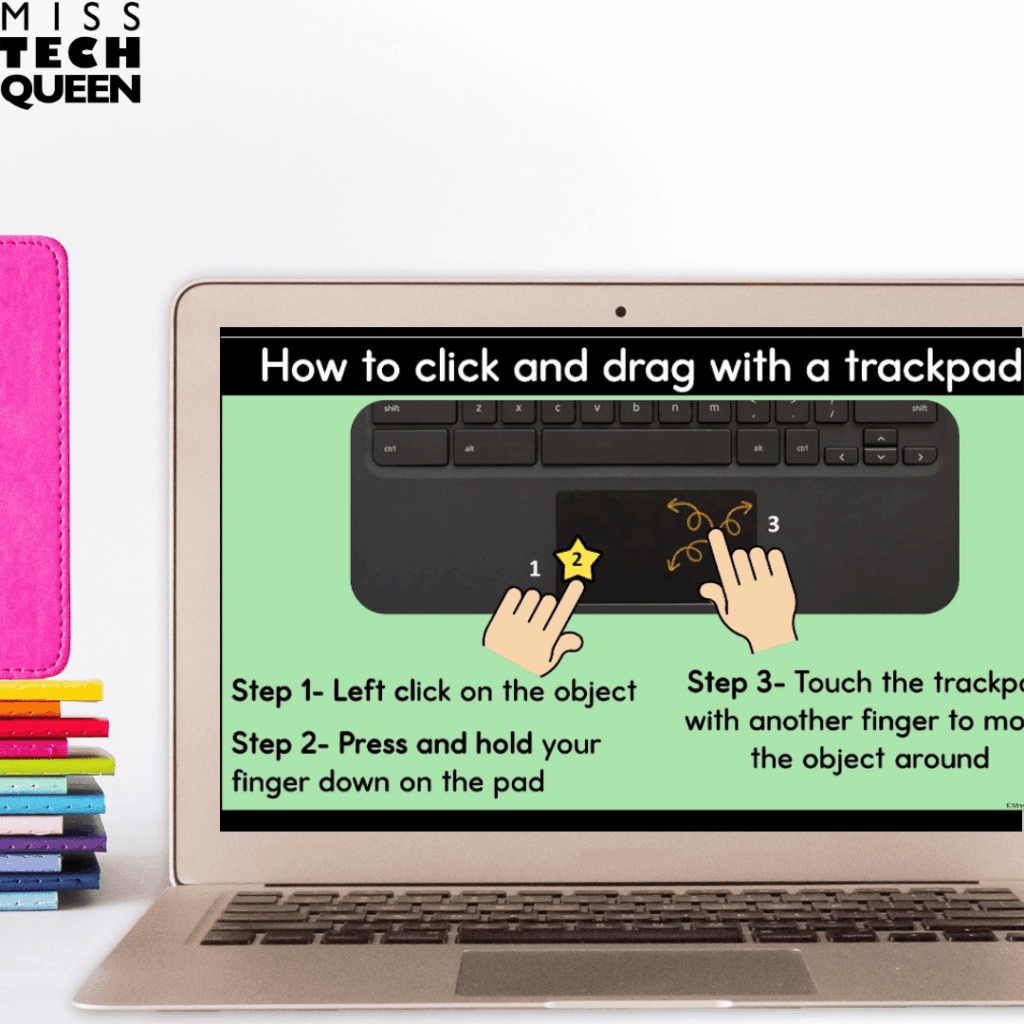
The Technology Digital Bundle is my go-to resource for copy and paste activities in my technology lessons. It is filled with my favorite activities to keep copy and paste practice engaging all year long.
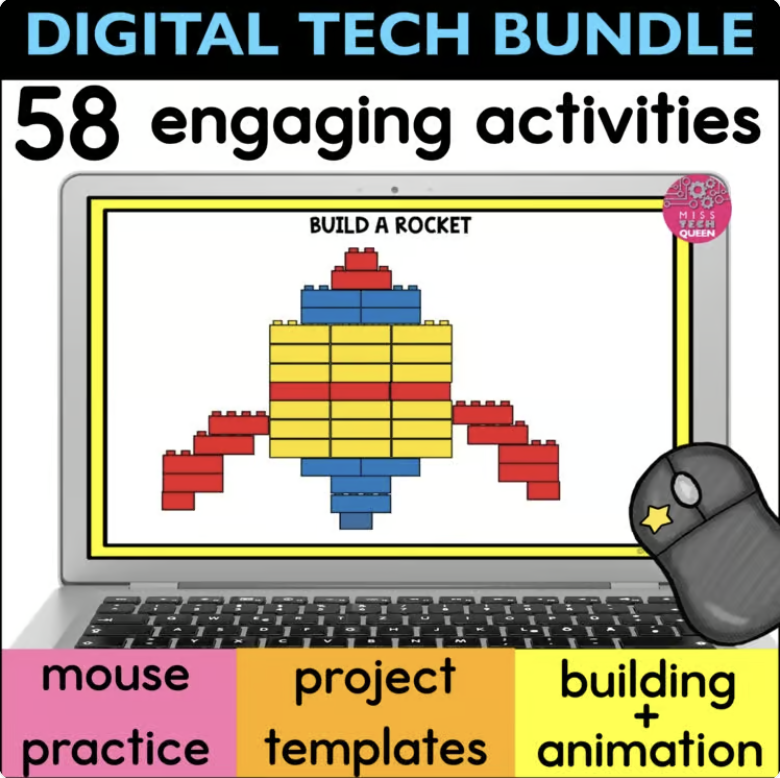
This bundle includes 58 projects designed specifically for our elementary students to build their digital confidence through creativity. From designing characters to building virtual worlds, your kiddos get to practice important technology skills while having fun.
This technology bundle includes a variety of activities that will help your students go from copy and paste novices to pros. Get your students excited about learning new technology skills with these activities that feel more like games than learning.
Build A Character – Engaging Copy and Paste Practice
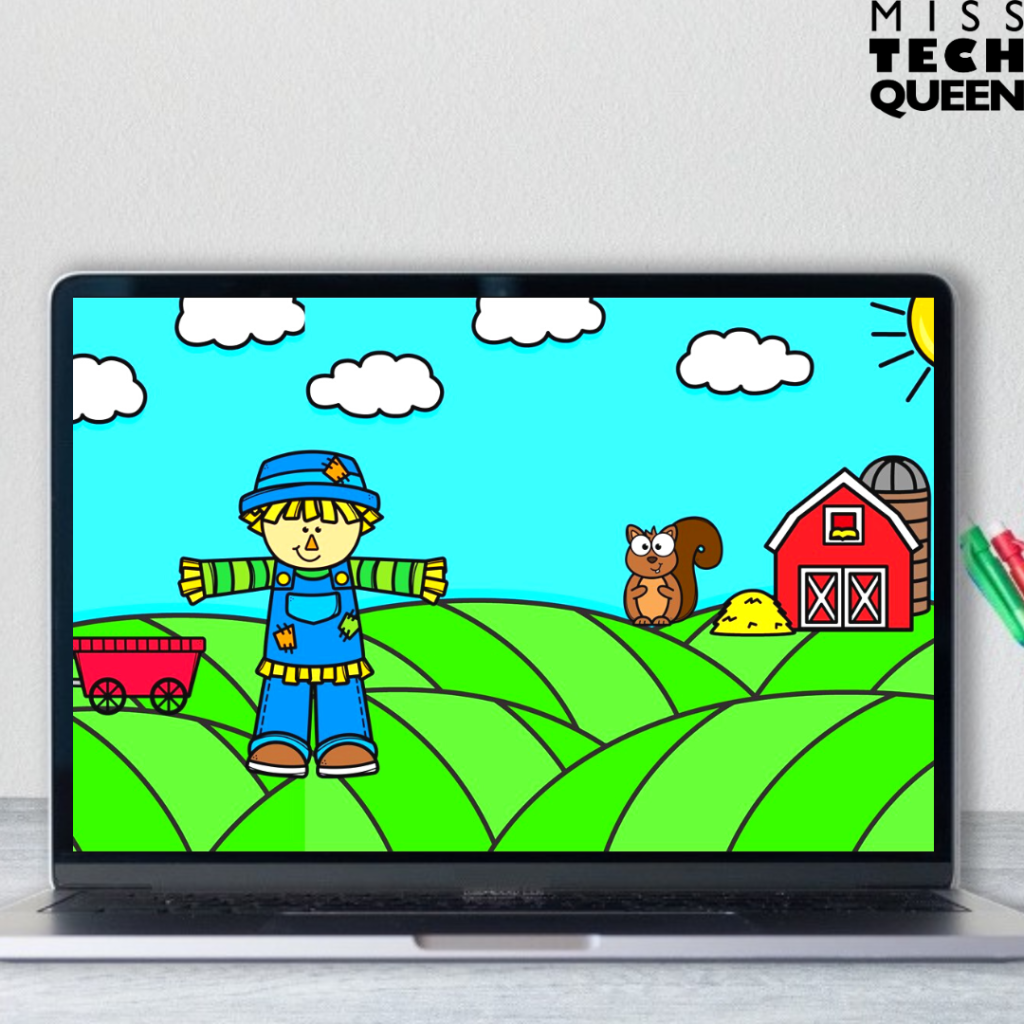
In the Build Your Own Character activities, your students bring creativity to life by copying, pasting, and moving digital pieces to design seasonal characters. Whether they’re creating a monster, a scarecrow, or a gingerbread friend, they get to explore both design and storytelling. The process of copying and pasting parts into place strengthens their precision and coordination. Skills that will serve them far beyond this project.
Monthly Mouse Practice
The Monthly Mouse Practice Slides give your students continuous opportunities to refine their control with both the mouse and trackpad. Each set of slides is themed for the season. This keeps engagement high, and the repetitive nature of dragging and dropping reinforces step-by-step thinking.
Digital LEGO Challenges
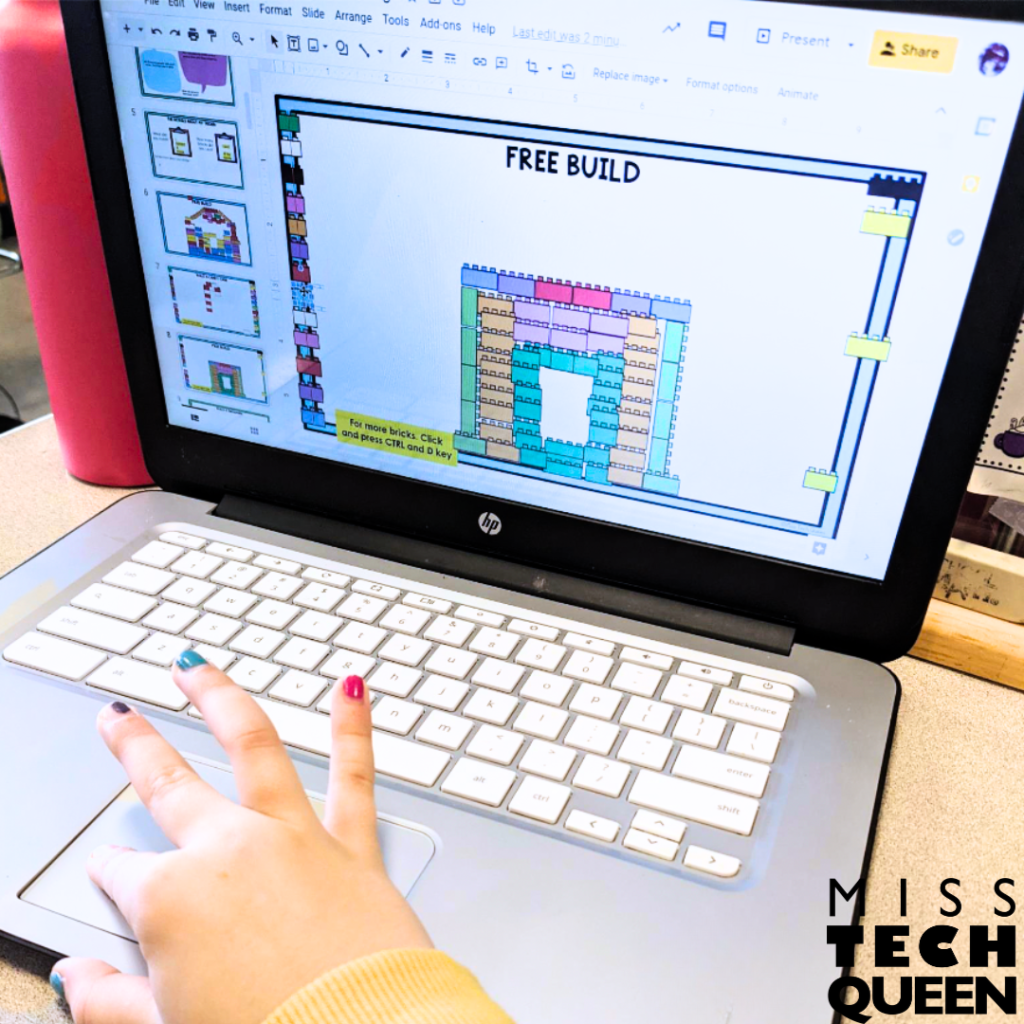
The Digital LEGO Challenges and Building Adventures take copy and paste a step further. Your students use movable pieces to create structures, follow storylines, and experiment with design. These projects emphasize creativity and spatial reasoning while still practicing key navigation skills.
Copy and Paste Projects for Older Elementary Students
For our older students, the Stop Motion Animation projects and Google Project Templates are amazing for applying copy and paste in more advanced ways. Your students use the animation slides to duplicate and move objects, learning how repeated copying creates motion. The Google Templates let them copy and paste text, shapes, or images while completing real-world projects like comic strips, brochures, or newsletters. Every part of this bundle reinforces copy and paste through authentic, purposeful practice that feels more like play than work.
You can find all of these engaging technology activities in one bundle. Not only will they help your students develop strong copy and paste skills, but they will learn so much more, too!
Empower Your Students One Click at a Time
Teaching copy and paste might seem like a small task, but it builds the foundation for every other tech skill our students will learn. When we give them fun, creative opportunities to practice, we’re not just teaching them a shortcut. We’re teaching them confidence, independence, and problem-solving. The next time you plan your computer lab lessons, remember that even the simplest skills can have the biggest impact on your students’ digital future.
If you’d like to have a year of Tech Lessons and Activities right at your fingertips, then you must check out the Tech for a Year Club! This club was designed with the busy technology teacher in mind. Planning technology lessons for multiple grade levels is not easy. Let me help!

Save for Later
If you’re not quite ready to add these copy and paste ideas into your lessons just yet, go ahead and save this post for later! Pin it to your favorite technology or computer lab board so you can easily find it when you’re planning future lessons. These ideas are perfect to revisit when you want to refresh your digital skills curriculum or introduce new projects that strengthen your students’ computer navigation skills.