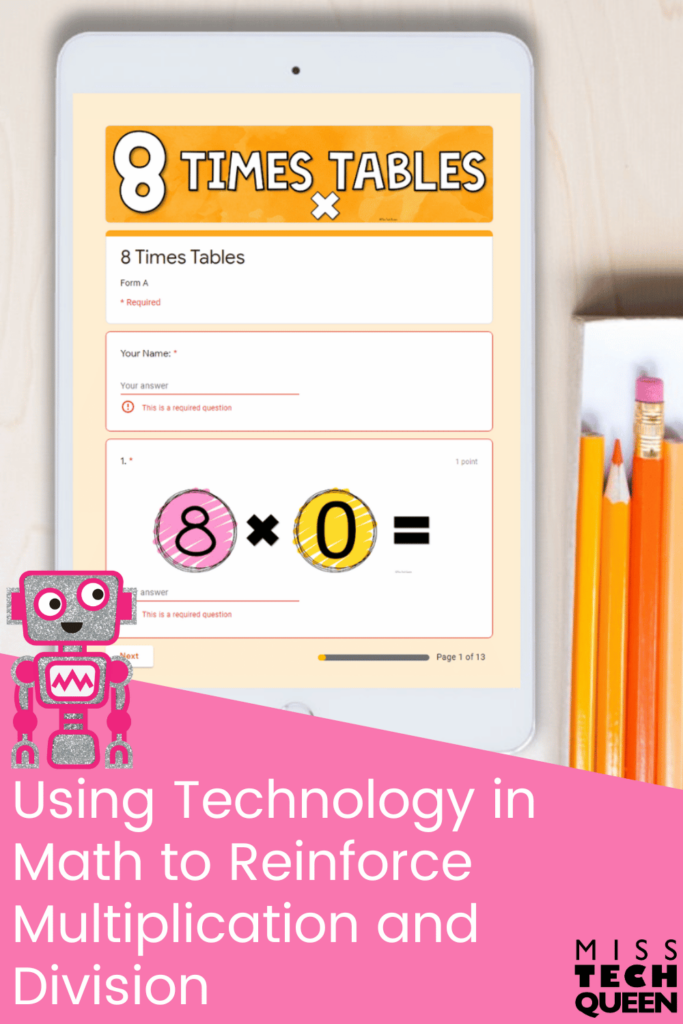


When it comes to helping our students master their multiplication and division facts, I’m always looking for tools that are both effective and easy to use. That’s why I’m such a big fan of bringing technology into math class through Google Forms! These no-prep, self-grading quizzes make practice feel more like a game and less like a chore for both you and your students. Whether you’re reinforcing fact fluency, checking for understanding, or need something quick to assign for homework, I have you covered. Let’s explore how you can use this resource to streamline math practice and keep your students engaged!

The Magic of Google Forms and Technology in Math

If you’re new to using Google Forms, let me tell you how my Multiplication and Division Google Form Quizzes make integrating technology in math seamless and stress-free. These forms come fully prepped and ready to assign. You don’t have to create a single question or grade a single quiz. These forms are easy to share and cover multiplication and division facts from 1–12. They’re designed with elementary students in mind, so they’re simple, clear, and student-friendly.
Once your students submit their answers, the form takes care of the rest. You’ll instantly get their scores, see a breakdown of how they did on each question, and even view class-wide data. Everything is automatically sorted into easy-to-read graphs or detailed spreadsheets, depending on how deep you want to go. Need to identify which facts your class is struggling with most? It’s all right there for you. No extra steps are needed.
Why I Love Using Google Forms to Bring Technology in Math Practice

One of my favorite things about using Google Forms for multiplication and division is how flexible they are. You can use them during small group time, in computer lab rotations, or as an at-home assignment. They’re also great for early finishers who need something purposeful while others wrap up.
What really makes these shine is how much they empower our students and us, the teachers. You get meaningful data that helps you adjust instruction. Your students get immediate feedback. They know right away which facts they’ve mastered and where they still need work. That kind of instant feedback builds independence and encourages a growth mindset.
You can also use them to guide interventions. For example, your data shows that many of your students are missing the 7s and 8s in multiplication. Then, you can plan a quick reteach lesson or assign targeted practice for those facts only. It’s responsive teaching made easy!
The Power of Instant Feedback with Technology in Math

Let’s talk about feedback a bit more. We know it’s one of the most powerful tools we can use to move student learning forward. With Google Forms, giving feedback takes seconds. Your students can see what they got right or wrong and view their scores. Even better, you can leave custom comments on incorrect answers if you want to.
This gives your students the chance to reflect and correct their work. It’s perfect for building accountability and helping them take ownership of their learning. Plus, when feedback is immediate, your students are more likely ty read it and use it. That’s a huge benefit of using technology in math!
Data Collection Made Easy with Technology in Math

Raise your hand if you’ve ever felt buried under student data. You’re not alone! With Google Forms, that stress disappears. All responses are neatly organized for you. You can quickly spot trends without creating your own charts or tracking systems. Whether you’re looking at individual student performance or whole class averages, everything you need is built into the form’s response tools.
Let’s not forget that this data is golden for RTI documentation, parent conferences, and progress monitoring. You can easily export results into a spreadsheet, sort by question or student, and even use conditional formatting to highlight concerns. You don’t have to be a data whiz to make this work. Technology in math makes it accessible for all of us.
Flexible and Accessible

Another reason I love these Google Forms is that your students don’t need a Google account to complete them. You can share the link through your classroom website, email, Seesaw, Microsoft Teams, or even QR codes around the room. Whether you’re a Google Classroom pro or using another platform, these forms fit right into your routine.
This makes it so easy to reach all your students. They can use these in the classroom, stay on track working from home, or need extra practice. It also gives your families a simple way to support math fluency from home, which is always a bonus!
Where to Find These Ready-to-Use Google Forms
If you’re ready to try out this tech-friendly way of practicing math facts, I’ve got you covered. My Google Form Multiplication and Division Quizzes are designed to take the prep and guesswork out of your hands while keeping things engaging for your students. Explore some of my resources below.
Multiplication Facts 1-12 Bundle
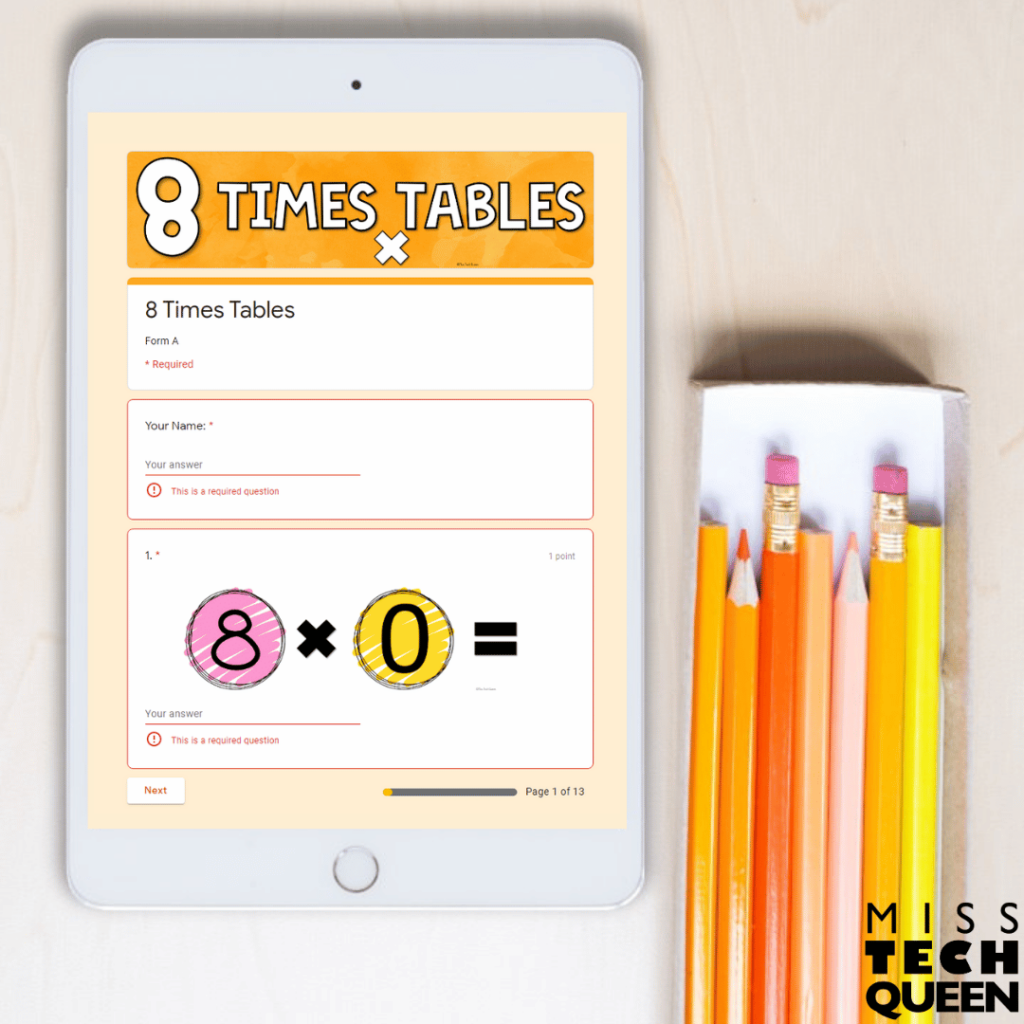
This Multiplication Bundle includes three ready-to-use Google Forms for each times table from 0 to 12. Each quiz has 13 engaging questions to give your students meaningful practice and give you instant, organized data.
Each quiz features fun, themed number designs that help keep your students focused and motivated. Whether you’re using these forms for homework, assessments, morning work, or extra practice, they’re a perfect low-prep way to strengthen fact fluency.
Everything is auto-graded. This makes it easy to see where your students are thriving and where they need extra support. This resource also comes with a detailed Teacher’s Guide that walks you through using and sharing each form, editing the questions, viewing and analyzing responses, and understanding the grading process.
Division Practice Facts 1-12
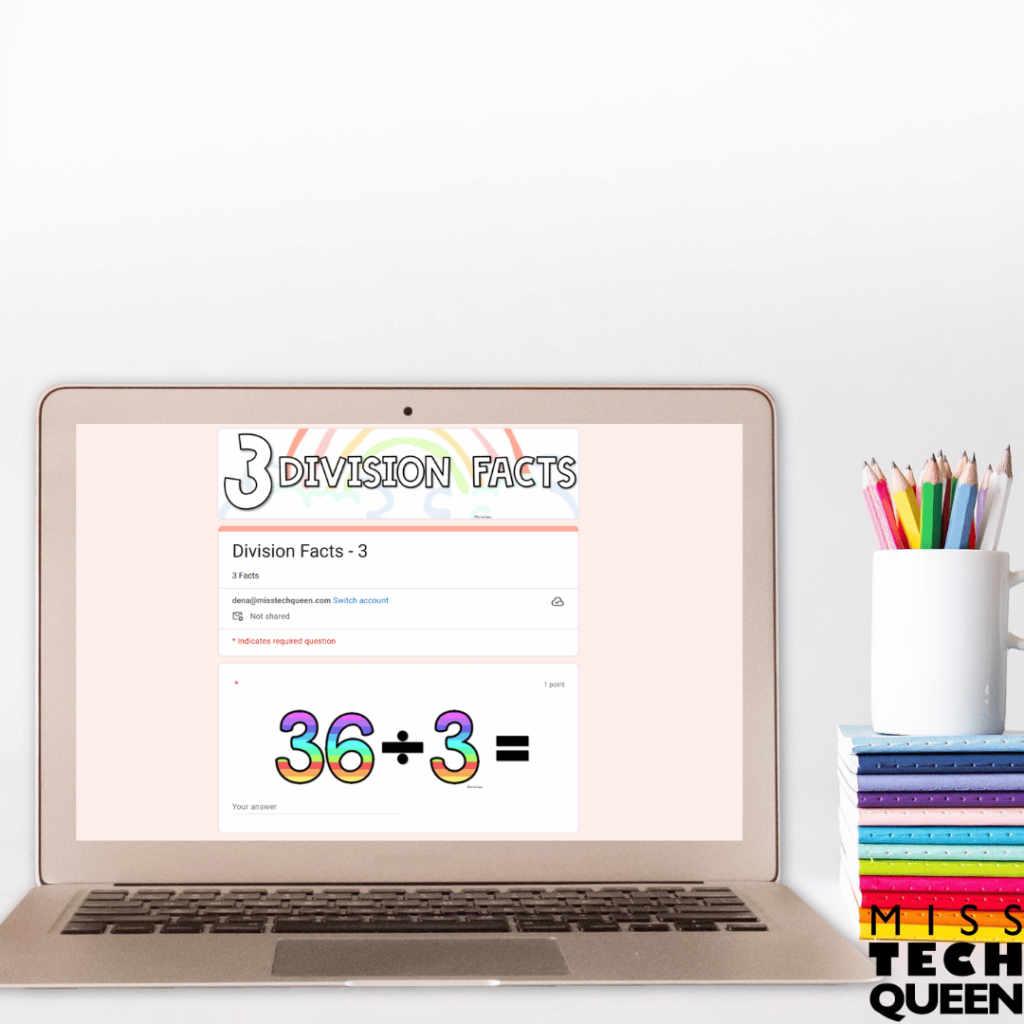
This bundle provides a way to help your students master their division facts. With three Google Forms for each fact set from 1 to 12, your students get consistent, targeted practice that builds fluency over time. Each form includes 13 questions and features visuals to keep your learners engaged.
Just like the multiplication bundle, everything is automatically graded. You can instantly view results, spot areas that need reteaching, and track progress. This division bundle makes it easy to bring purposeful practice into your math block. All your students need is the link to the Google Form, and they’re ready to go.
Mega Bundle of Google Forms
If you’re as excited about these digital bundles as I am, you’ll love the Mega Bundle! It combines both the multiplication and division sets into one ultimate package. This gives you access to 72 Google Forms ready for you to use to help your students strengthen their math facts.
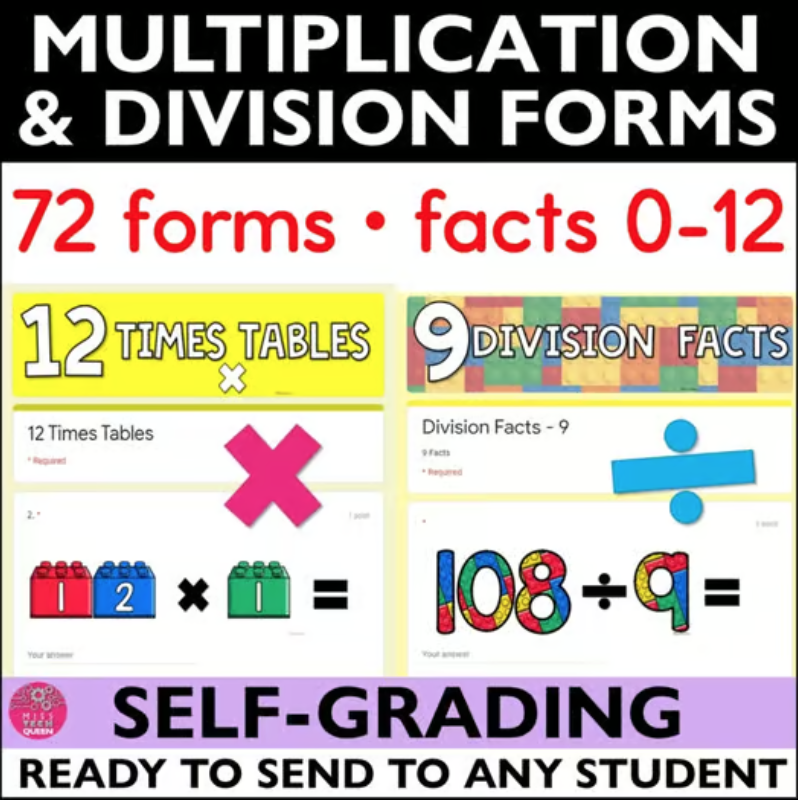
You still receive three forms for each fact, 0 to 12 for multiplication and 1 to 12 for division. This means your students can practice, review, and show progress all year long. If you’re excited about using technology in math to boost fluency and cut down on prep, the Mega Bundle is the perfect all-in-one solution!
Using Technology in Math to Work Smarter, Not Harder
Incorporating technology in math doesn’t have to mean fancy apps or complicated platforms. Sometimes, it’s the simple tools, like Google Forms, that make the biggest difference. These digital drills streamline your workflow, give your students meaningful practice, and help you make data-driven decisions without adding more to your to-do list. If you’re looking for an efficient way to practice multiplication and division that your students will enjoy, give these Google Forms a try. They’re low prep, high impact, and an awesome way to bring tech into your math block!
Additional Resources
If you’re always on the lookout for engaging, low-prep tools to support your students, you’re in the right place! As a STEM or tech teacher, you know how important it is to find resources that combine hands-on learning with meaningful skill practice. Here are a couple of additional resources that will help you start or freshen up!
Save for Later
Remember to save this post to your favorite math or technology Pinterest boards for quick access to these Google Forms that will help you bring technology in math!