

I still think one of the hardest parts about teaching technology is figuring out what to teach next. One week, you are helping your students learn how to drag and drop correctly. The next week, you are trying to keep your early finishers busy without turning computer time into random game time. Homeschooling families, you encounter these same challenges. It can feel overwhelming trying to build a technology curriculum that teaches computer skills while keeping learning fun and age-appropriate.
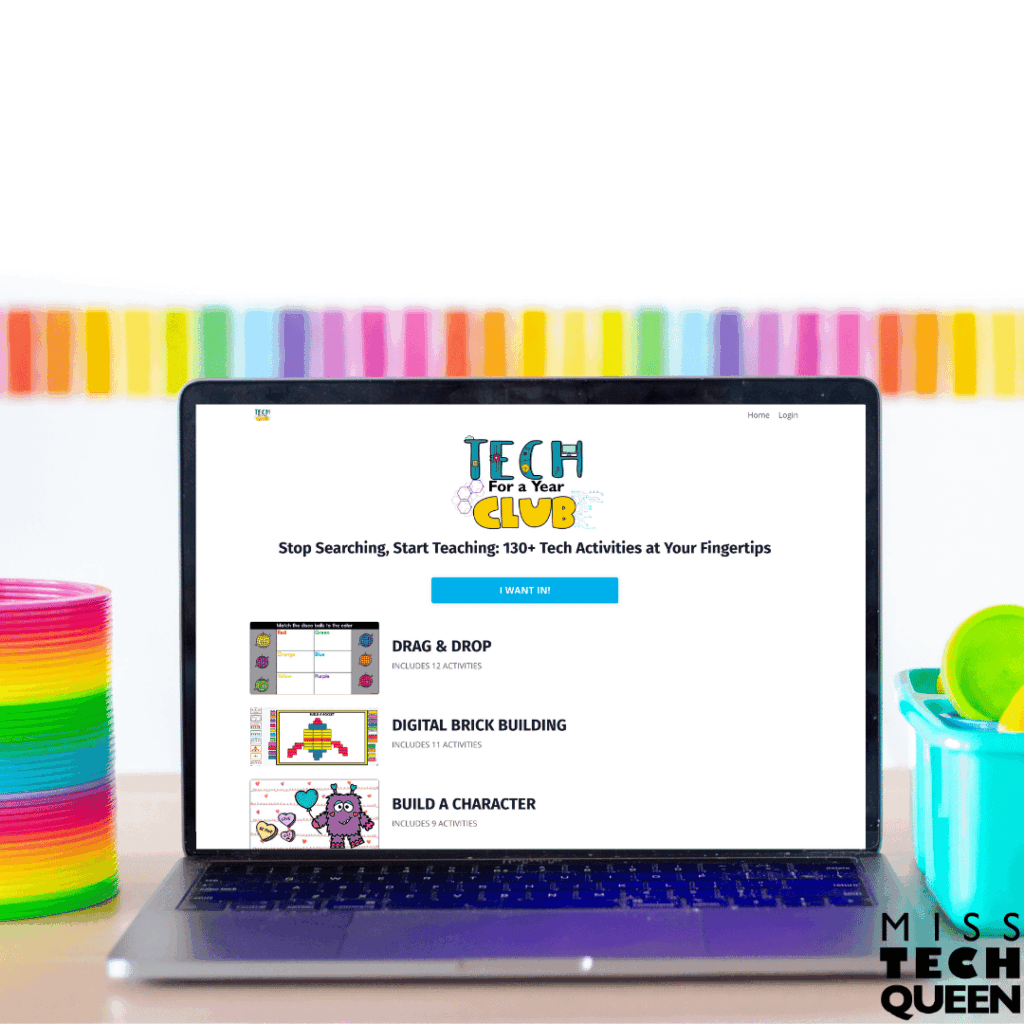
That is one reason I created the Tech for a Year Club. Instead of spending hours searching for activities or creating lessons from scratch, you have a growing library of technology activities that help your students build foundational computer skills, creativity, problem-solving skills, and digital confidence all year long.
What Should Be Included in a Technology Curriculum?
An elementary technology curriculum should include much more than simply putting our students on computers. Our students need opportunities to practice computer skills while also learning how to create, explore, solve problems, and communicate. The challenge is figuring out how to cover all of that in a manageable way.
One thing you will appreciate about the Tech for a Year Club is that the activities cover a wide range of technology skills while remaining engaging. The activities can be adjusted for different ages and ability levels. This is especially helpful if you teach multiple grade levels or homeschool multiple children at once. Instead of scrambling to come up with new technology lessons every week, you already have activities ready to work through.
Typing Practice Activities for Technology Curriculum Foundations
One thing I think is really important to remember is that, even though many of our students are growing up surrounded by technology, most of that technology now relies heavily on touchscreens. Many of them can swipe through apps quickly on a tablet or phone. They still struggle with basic keyboarding skills such as locating letters, typing complete sentences, or using the space bar correctly. That is exactly why typing practice still matters so much in an elementary technology curriculum.
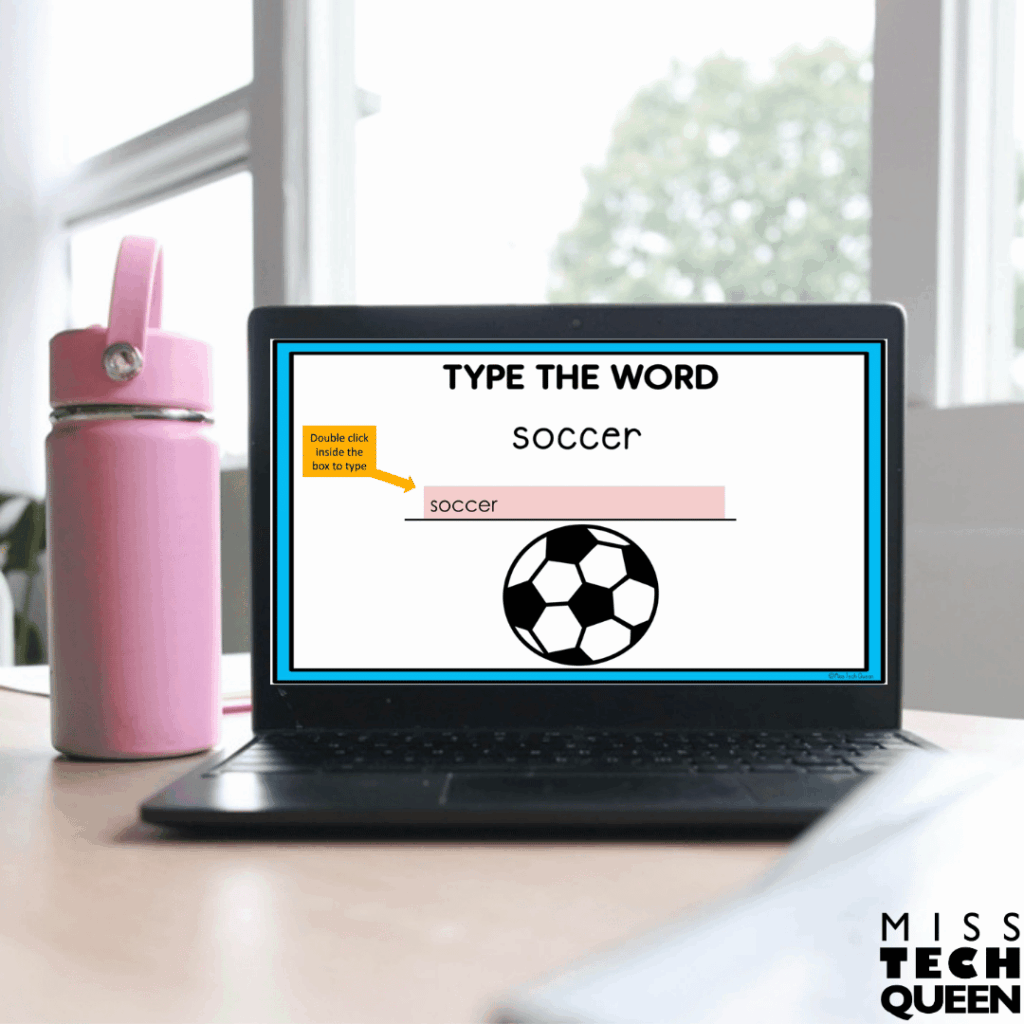
That is one reason I really like the typing activities included in the Tech for a Year Club. For example, the Sports Typing Practice or the Superhero Typing activities give your students simple themed words and sentences to type directly into Google Slides. The directions are placed right on each slide. Instead of simply typing random sentences, your students are practicing keyboarding skills with themed prompts to make practice more exciting. This also makes the activities easy for your learners to follow independently once routines are established. You can even take one or two class periods or sessions for your younger kiddos. The pacing is up to you!
You could easily use these at the beginning of your time together as part of a weekly keyboarding routine. You can have your learners log in, open their assigned slideshow in Google Classroom, and spend the first 5–10 minutes practicing typing before transitioning into your main lesson. Since your learners each receive their own copy, it becomes very easy for you to monitor progress throughout the week.
Drag and Drop Activities
I think we sometimes forget that basic computer navigation skills actually need to be taught directly. Many of our younger learners still need practice using a mouse, controlling a trackpad, dragging objects across a screen, and clicking accurately. Those skills may seem simple to us as adults, but they are incredibly important foundational technology skills for our learners.
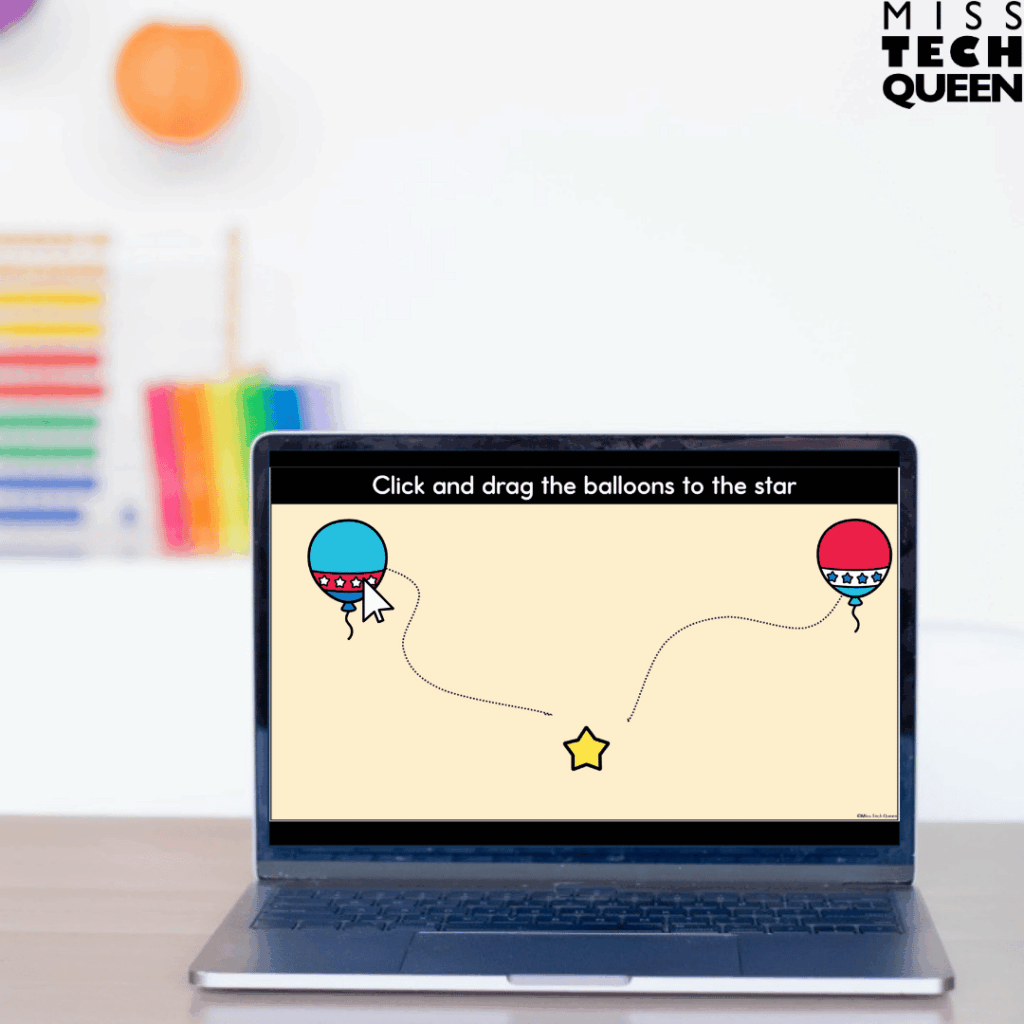
That is why my drag and drop activities are such a helpful part of a technology curriculum. The mouse practice activities inside my Tech for a Year Club give your learners repeated opportunities to practice moving pieces across the screen while following digital directions. Instead of randomly clicking through games, they are intentionally building the coordination and confidence needed to navigate technology independently.
For example, my June and July Mouse Practice activities have your students move digital pieces around the screen using Google Slides. I placed directions at the top of each slide so your learners can work more independently. You can assign only a few slides at a time or allow your kiddos to continue working through during your time together. The pacing is in your control!
Depending on your kiddos’ level, you’ll need to model how to click, hold, and drag an object before your learners try it independently. You can walk around the classroom or sit alongside your child for the first few slides. Then, model how to drag and move objects carefully. Gradually, allow your child to complete the remaining slides independently. That gradual release makes technology feel much less overwhelming for your younger learners who are still building confidence with computers.
Digital Brick Building Activities
Some of the most engaging technology activities are the ones that allow our students to create, experiment, and solve problems. They go beyond simply clicking through practice drills. That is one reason you will like the Digital LEGO Building activities included in the Tech for a Year Club. These activities give your students opportunities to design and build digitally while also practicing important technology skills.
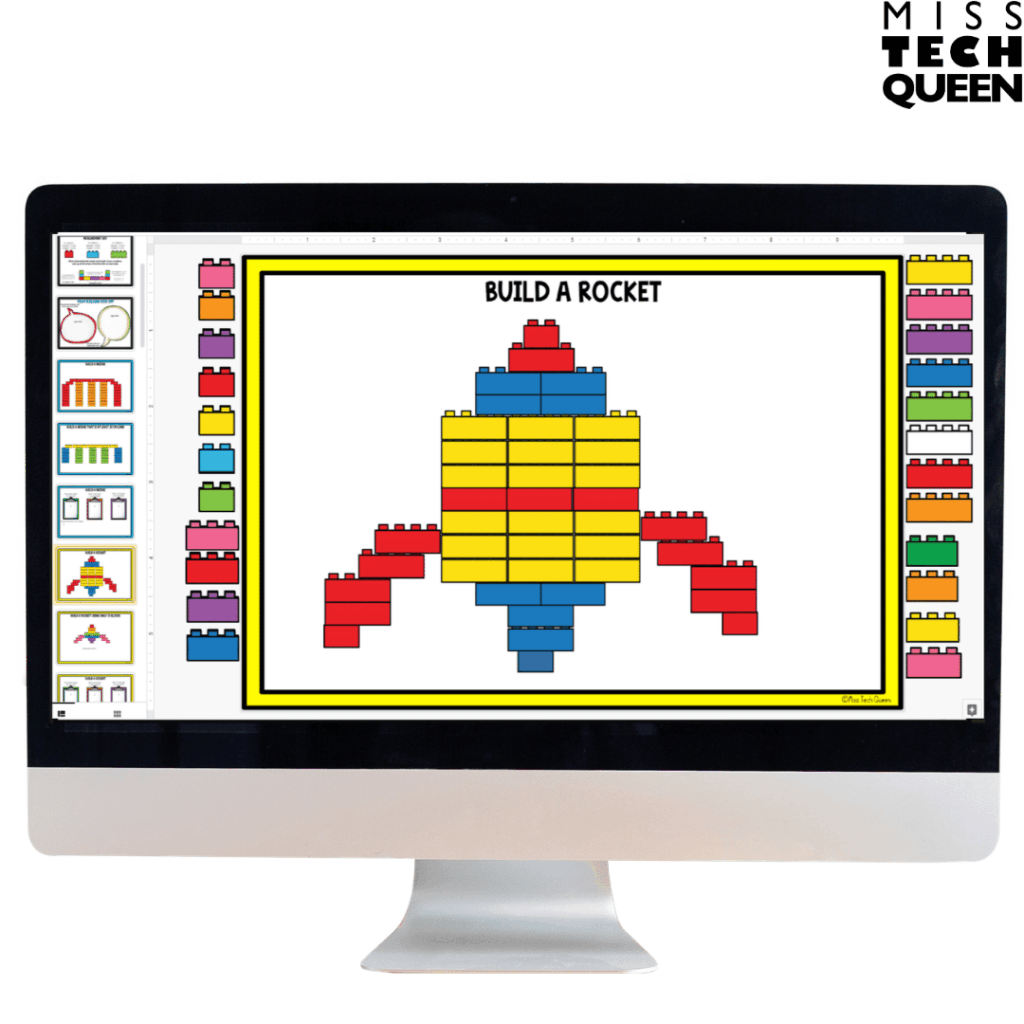
What makes these activities especially interesting is that your students are given a building challenge and use movable digital bricks to create their own solution. There is no single correct answer. Your kiddos have the freedom to interpret the challenge in their own way and explain their thinking afterward.
As your learners build, they are practicing mouse control, drag-and-drop skills, resizing objects, copy-and-paste commands, and following digital directions. Those are all foundational skills they need as they become more confident technology users. Since they are focused on creating something, the technology practice feels natural rather than forced.
You can easily use these activities during your technology class, STEM rotations, Fun Fridays, or as early finisher activities. At home, your child can work through a challenge independently and explain their design choices. They can even revisit the same challenge later to create something completely different. Since everything is digital, there is no prep work, no materials to gather, and no cleanup afterward.
Add Build Your Character Activities to Your Technology Curriculum
After your learners have spent time building and designing digitally, they are often ready for opportunities to make their creations more personal. That is where the Build a Character activities fit into your technology curriculum. Your kiddos are still practicing important computer skills, but now they are using those skills to create something uniquely their own.
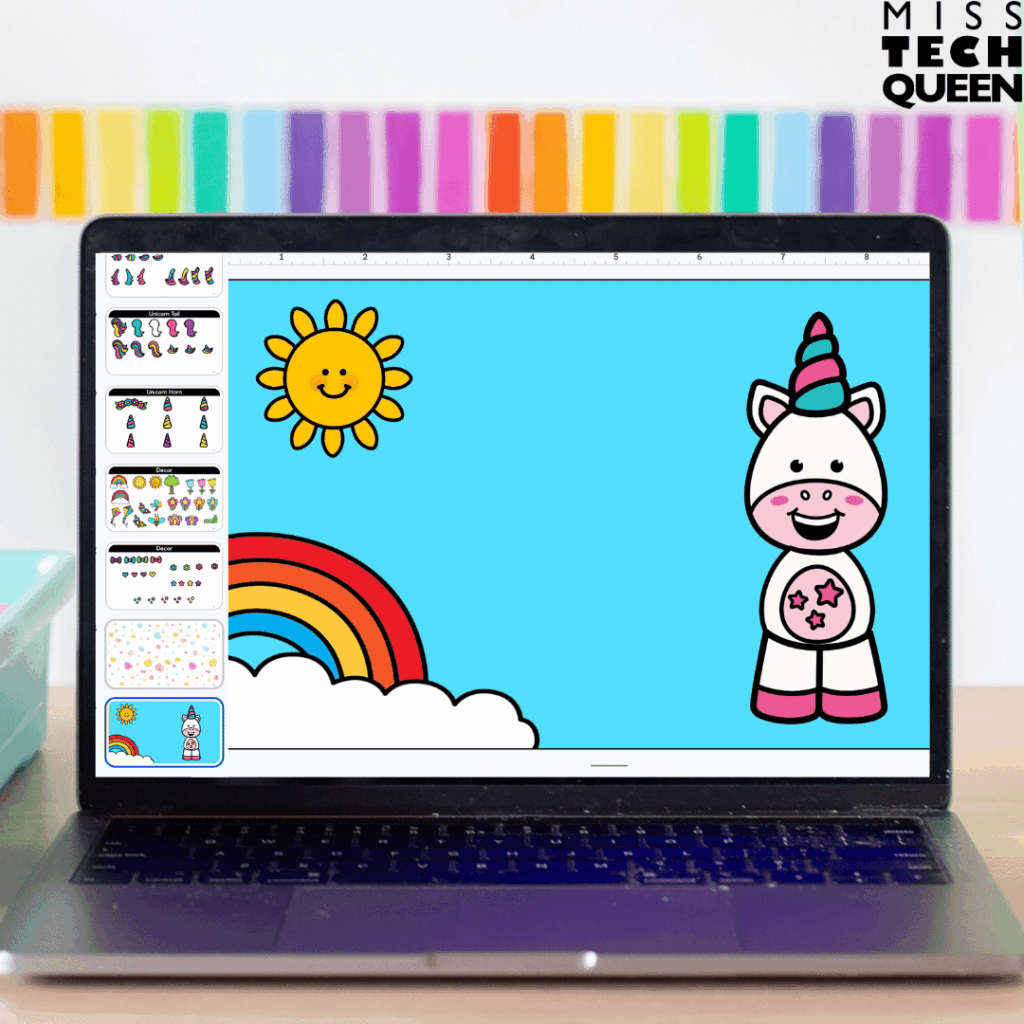
My Build a Monster and Design a Unicorn activities are great examples. Your kiddos will use Google Slides to create their own characters by moving, arranging, resizing, and copying digital pieces on the screen. As they build, they are naturally practicing mouse control, click-and-drag skills, copy-and-paste commands, and resizing images.
What makes these activities especially engaging is that every finished project looks different. Even though your learners are working with the same collection of digital pieces, the completed monsters and unicorns reflect each student’s creativity and decision-making. You can make these your overall technology lesson, add them into a center rotation, or have them as an early finisher option. I have had my own students create their character during technology class and then write a short story, character description, or adventure featuring their creation afterward.
The flexibility is another reason these activities work so well. Some of your learners may spend about twenty minutes creating a single character. Others may continue designing additional characters after finishing. That makes it easy to accommodate different pacing levels while still keeping every student engaged and creating.
Digital Bingo Games
As your learners become more comfortable navigating digital activities independently, it can be helpful to mix in activities that feel a little more playful while still reinforcing important technology skills. That is where my Digital Bingo Games fit into your technology curriculum.
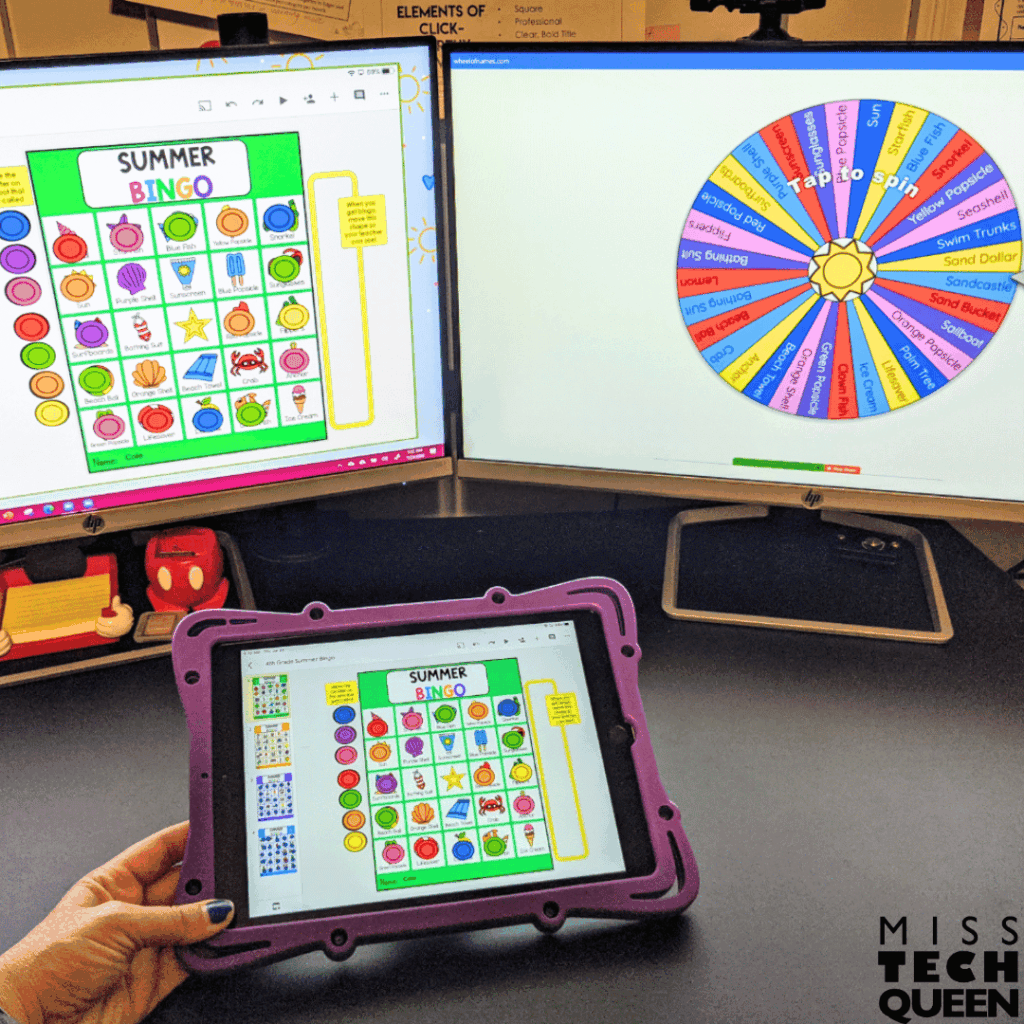
Most of our learners already understand how bingo works. This means very little instructional time is spent explaining directions. Instead, your kiddos can focus on using their technology skills while enjoying a familiar game format. The digital bingo activities included in my Tech for a Year Club allow your kiddos to move digital bingo markers on their boards as items are called. This gives them additional practice with mouse control, drag-and-drop skills, and navigating Google Slides.
I especially like these types of activities because they can be used in so many different ways throughout the year. You might use a bingo game during the last week before a break, on a Fun Friday, during a class celebration, or as a review activity when your students need a change of pace. Everything is already digital, so there is no need to print boards, pass out markers, or clean up materials afterward.
These games also work well with a wide range of ages because you can easily adjust how you play. Your younger learners may focus on simply learning how to move digital pieces correctly and follow along with the game. Your older learners can play more advanced bingo styles such as four corners, horizontal lines, or full-board bingo. Since one game can last around thirty minutes, it can easily fill an entire technology lesson while keeping your kiddos actively involved.
Building Adventures
The Building Adventures included in my Tech for a Year Club are more than simple building activities. Your learners will work through digital challenges and create solutions using movable pieces and digital building tools. In my Winter Building Adventures resource, for example, your kiddos will complete three different types of challenges. One activity has your kiddos follow a storyline where they create items for a group of yetis planning a winter party. Another includes building mats with visual examples to guide your learners. A third asks your learners to complete brick-building challenges with specific parameters.
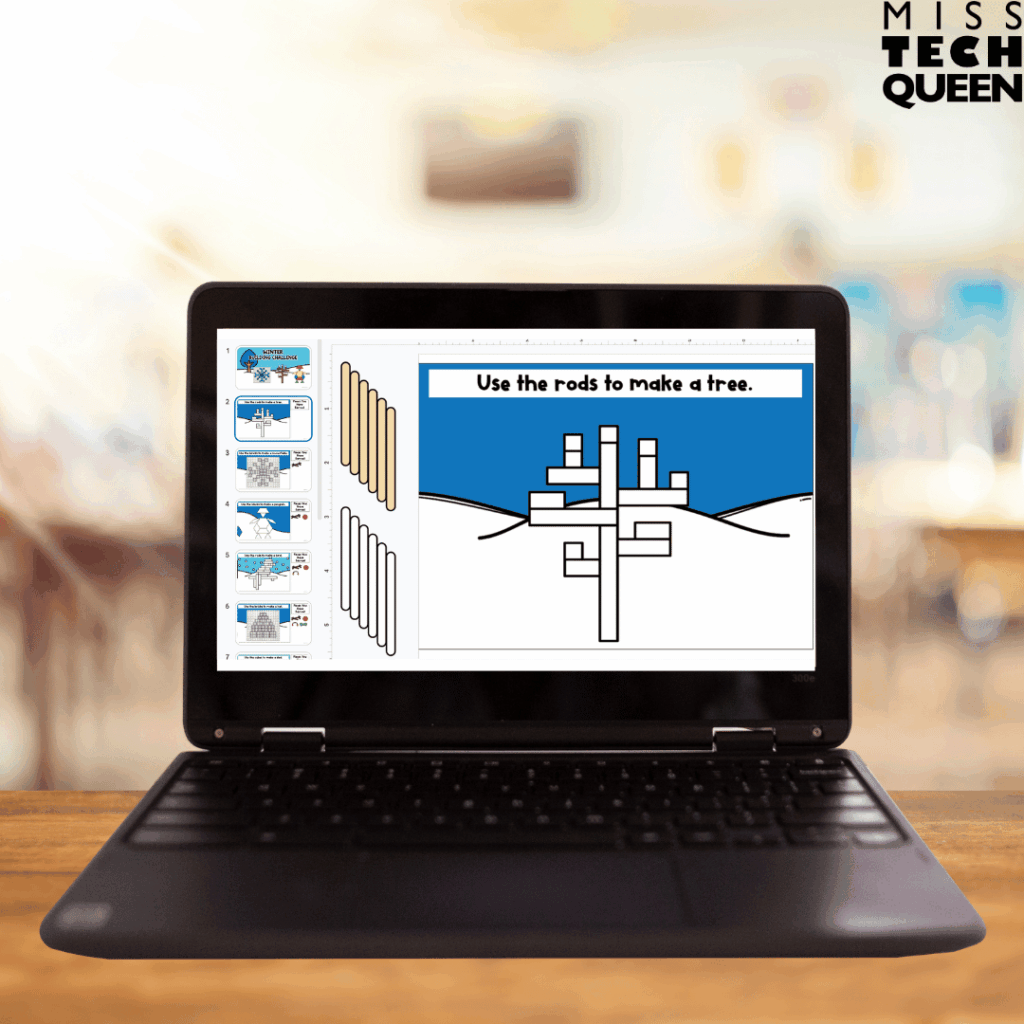
What I really like about this progression is that your learners are exposed to different levels of support. Sometimes they are given examples to follow. Other times, they must rely entirely on their own ideas and problem-solving skills. That gradual release helps your kiddos build confidence while still encouraging creativity. The challenges also include building tips that help your kiddos practice moving, ordering, resizing, and duplicating digital objects.
You can introduce the challenge at the beginning of your time together. Then, allow your learners time to create independently. Finish with a quick sharing session where they can explain the choices they made. That reflection piece often leads to some of the best conversations because you’ll be able to help them see how there are multiple ways to solve the same challenge.
Directed Drawings in Your Technology Curriculum
After your learners have spent time building, designing, and solving digital challenges, directed drawings provide another opportunity to strengthen your technology curriculum.
The directed drawings included in my Tech for a Year Club use Google Drawings or Google Slides to guide your learners through creating a digital picture step by step. As they work through the drawings like a robot or a sandcastle, they practice using drawing tools and adding and resizing shapes. They’ll also learn how to change colors, adjust line thickness, work with backgrounds, and use drag-and-drop features.
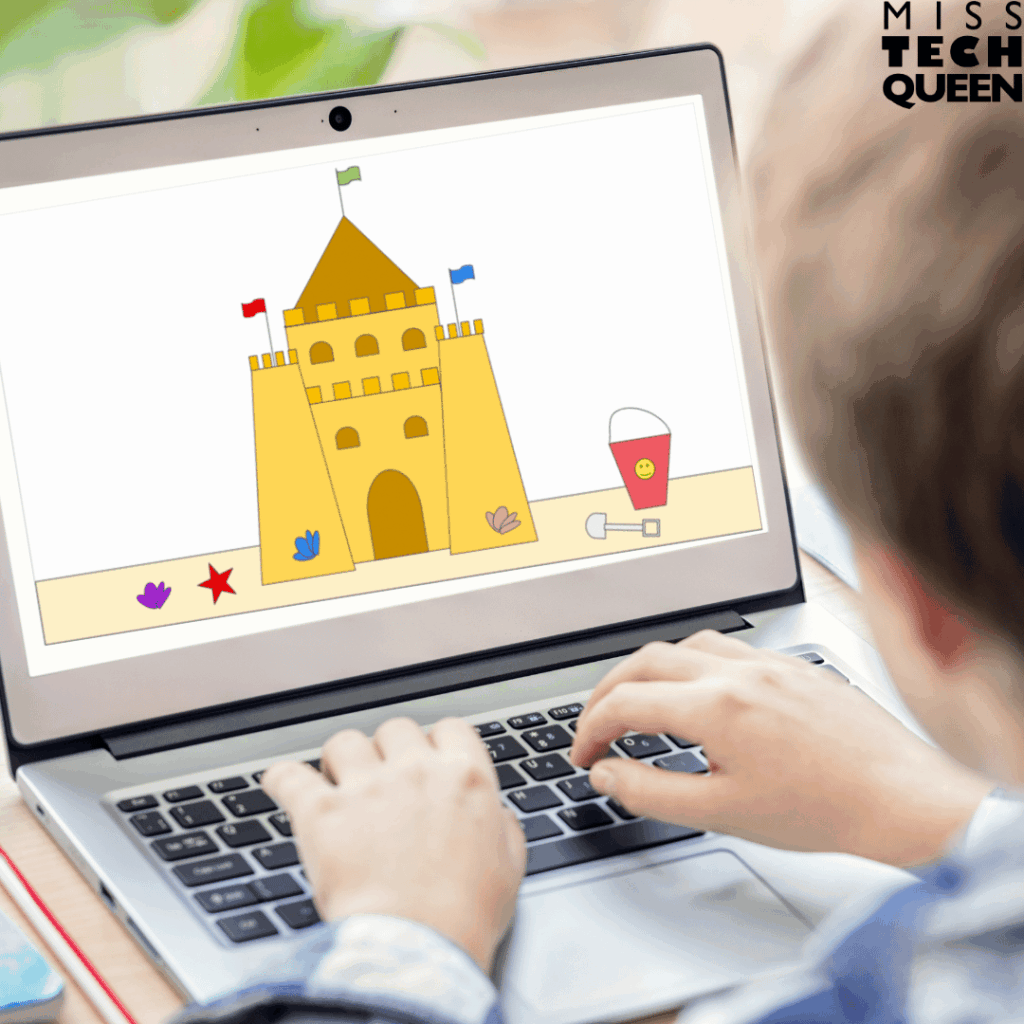
These activities can be used in several different ways depending on your students and available technology. You might display the directions on an interactive board and complete the drawing together as a class. You might assign each kiddo their own copy so they can work independently at their own pace. Since the directions include screenshots, arrows, and step-by-step guidance, they are able to follow along independently as they become more comfortable with the programs.
Directed drawings also work well as an introduction to Google Slides and Google Drawings. Instead of spending an entire lesson explaining where every tool is located, your kiddos can learn by actually using the tools within a project. By the end of the activity, they have practiced multiple technology skills while creating a finished product they are proud to share.
Digital Scavenger Hunts
Digital scavenger hunts are a fun way to put your learners’ growing skills into action. The bonus is that you are adding movement, observation, and problem solving to your technology curriculum. The scavenger hunts included in my Tech for a Year Club have your learners actively searching for items, recording their findings, and interacting with digital response sheets. Depending on how you choose to use the activity, your learners might be searching around the classroom. They might be participating in a small group lesson or completing the hunt independently.
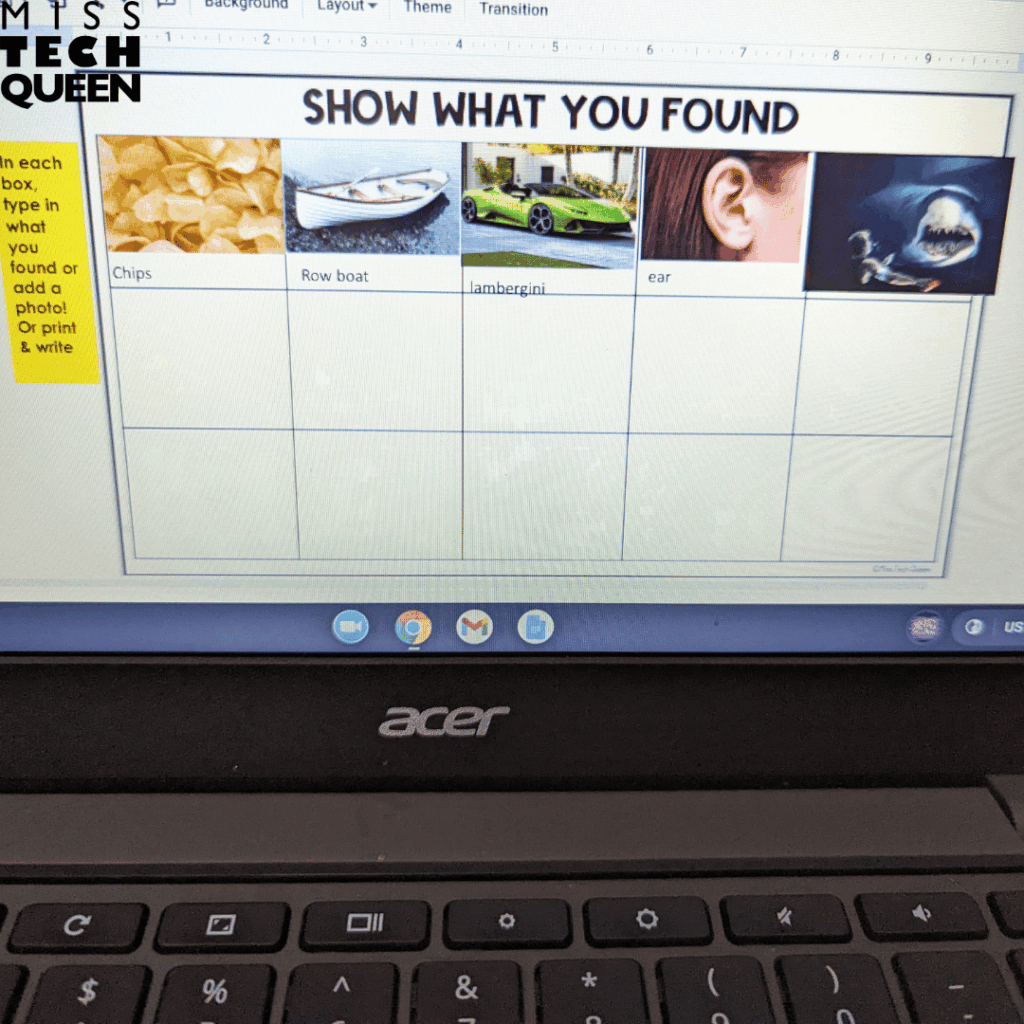
I especially like that these activities encourage your kiddos to follow directions carefully and pay attention to details. Those skills are incredibly important in technology because our kiddos often want to click quickly and move on. Scavenger hunts naturally slow them down and require them to read, observe, and think before responding. As they complete their response sheets, they are also practicing skills such as typing, navigating digital documents, and interacting with Google Slides.
Stop Motion Projects Enhance Your Technology Curriculum
Few things grab your kiddos’ attention faster than seeing something they created suddenly come to life. That is exactly why stop motion animation tends to become a favorite technology project. Your learners love watching a scene they designed appear to move. They are often willing to spend extra time perfecting the details to make the animation look just right.
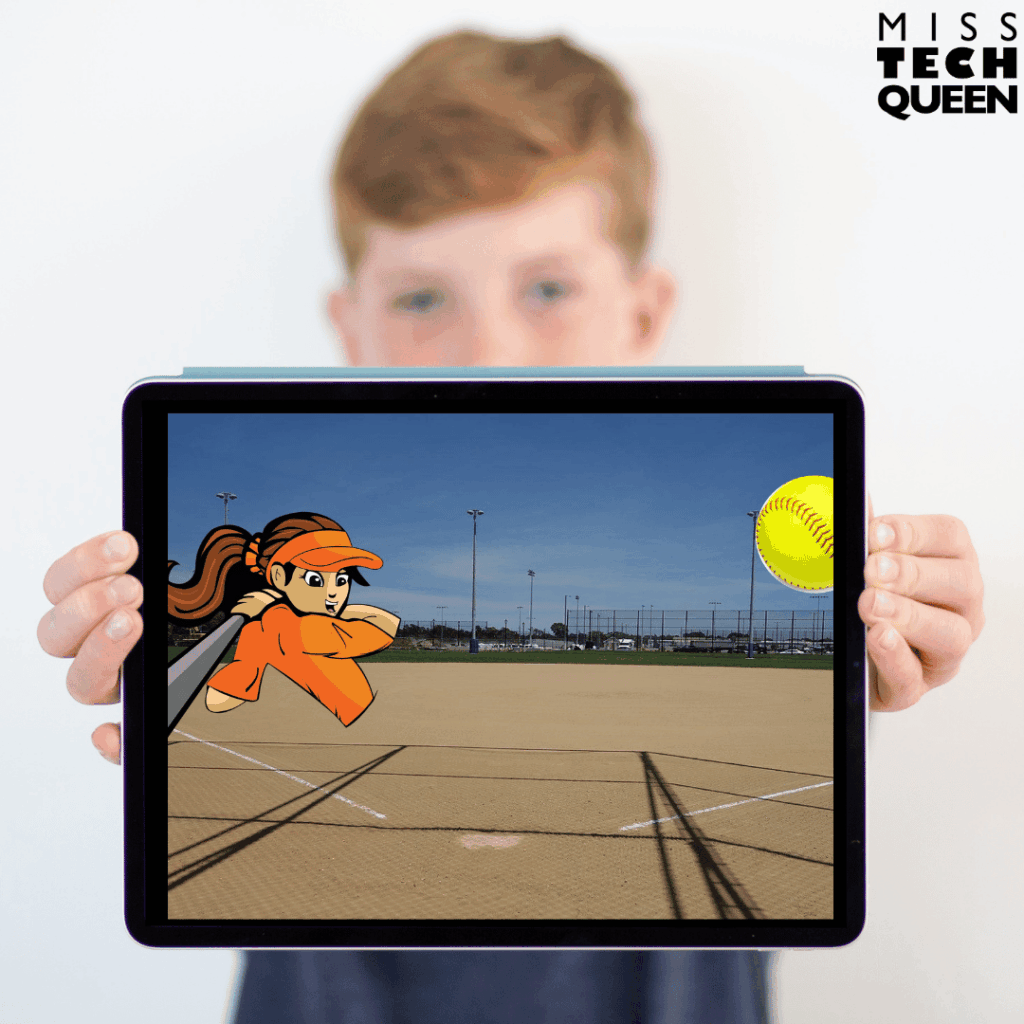
The digital Stop Motion Animation activities in my Tech for a Year Club introduce your kiddos to animation. While creating their projects, they practice skills like copy and paste, drag and drop, image searching, and working with shapes. Since your learners create their own scenes and storylines, every finished project looks different. This makes sharing and discussing their work especially fun.
These projects can easily connect to other subjects as well. Your learners might create a sports scene, retell part of a story, show a science process, or design an original animation from their imagination. By the time they reach activities like these, technology is no longer just something they are learning to use. It has become a tool for creativity and storytelling.
Project Templates in Your Technology Curriculum
There comes a point when your students are ready to move beyond practicing individual technology skills and start using those skills to create something meaningful. That is why you’ll love the Project Templates included in my Tech for a Year Club. You will find templates like comic strips, biography reports, brochures, passports, newsletters, and social media posts. All of them will give your learners an opportunity to apply everything they have been learning in authentic ways.
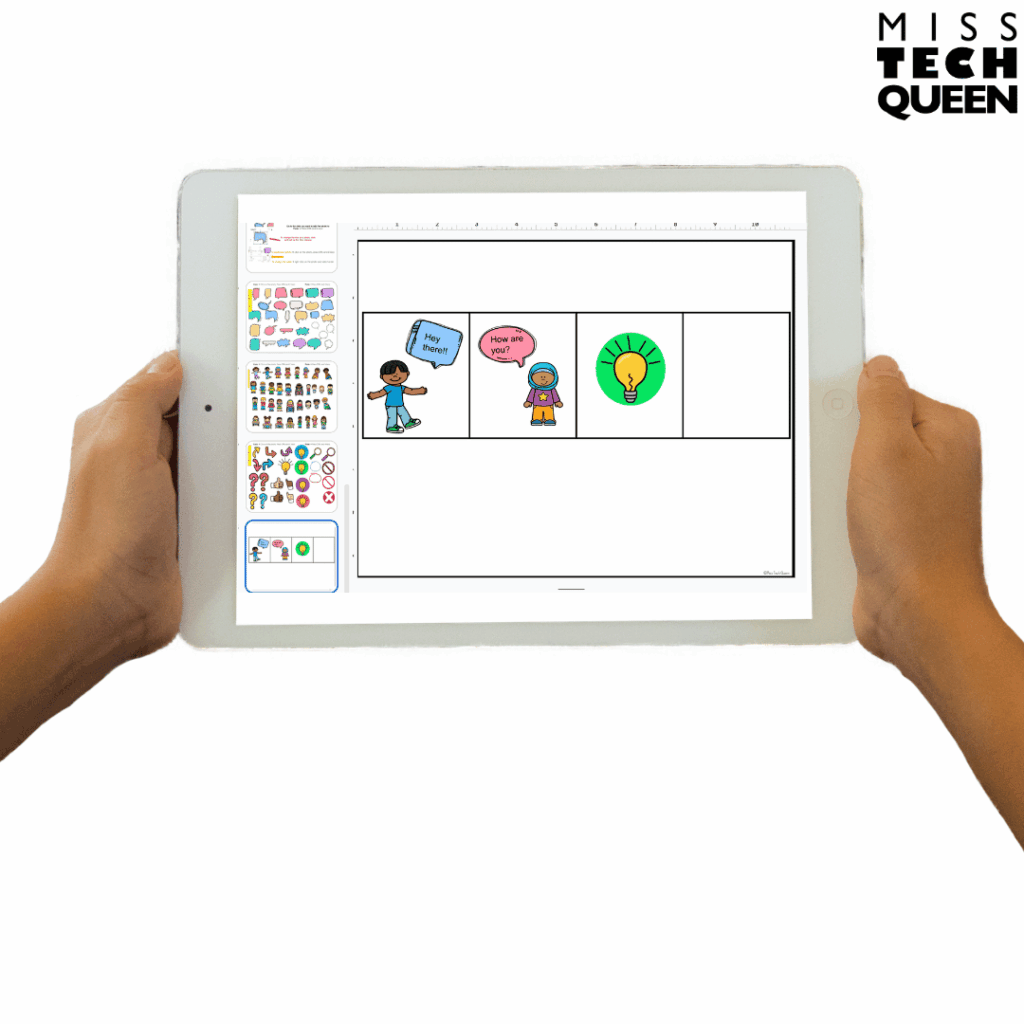
What I like most about these projects is how easily they connect to other subjects. You can have your learners create a comic strip to retell a story. They can explain a lesson learned by a character, or even demonstrate digital citizenship concepts. A biography report can be used during history, reading, or research units as your learners gather information about a famous person. From there, they can organize their findings into a digital presentation. Instead of technology feeling like a completely separate subject, they can begin using digital tools across their subjects.
These templates also provide a helpful balance of structure and creativity. Your kiddos are not staring at a blank screen, wondering where to start. They still have plenty of opportunities to make choices about their content, design, images, and presentation. By the time they reach projects like these, they are using technology to research, create, communicate, and share ideas. This is exactly the goal of a strong elementary technology curriculum.
Building Confident Technology Learners
Technology education does not have to feel overwhelming or complicated. We want our students to become confident users of technology who can create, communicate, problem solve, and think critically using digital tools. The good news is that building those skills does not require hours of lesson planning or constantly searching for new activities. With a variety of engaging activities, our learners can develop important technology skills while actually enjoying the learning process. When technology lessons are purposeful, engaging, and easy to implement, both our learners and ourselves benefit.
Make Technology Curriculum Planning Easier This Year
If you are tired of searching for technology activities every week or wondering what to teach next, it may be time to take a closer look at my Tech for a Year Club. With more than 130 activities covering all the parts of a strong technology curriculum, you’ll have a growing library of technology lessons ready whenever you need them.
Whether you teach in a computer lab, bring technology into your classroom, run a STEM program, or homeschool your children, my Tech for a Year Club helps take the guesswork out of planning technology time. You can focus on teaching while your learners build technology skills through engaging, low-prep projects all year long.
If that sounds like exactly what you’ve been looking for, be sure to explore my Tech for a Year Club. You will see firsthand how it can simplify your technology planning while giving your students a variety of skill-building experiences.
Save These Technology Curriculum Tips for Later
Save this post to your favorite technology Pinterest board so you can come back to it when you are mapping out your technology curriculum, looking for new computer lab activities, or searching for engaging technology lessons for your learners.
Having this guide saved will give you a quick reminder of the technology skills to teach and the types of activities available inside myTech for a Year Club to help make technology time both meaningful and manageable.